Sales Bot
To begin create a channel as shown in Channel Setup
Head over to https://www.vulcan.xyz/select/ and select your server from the list
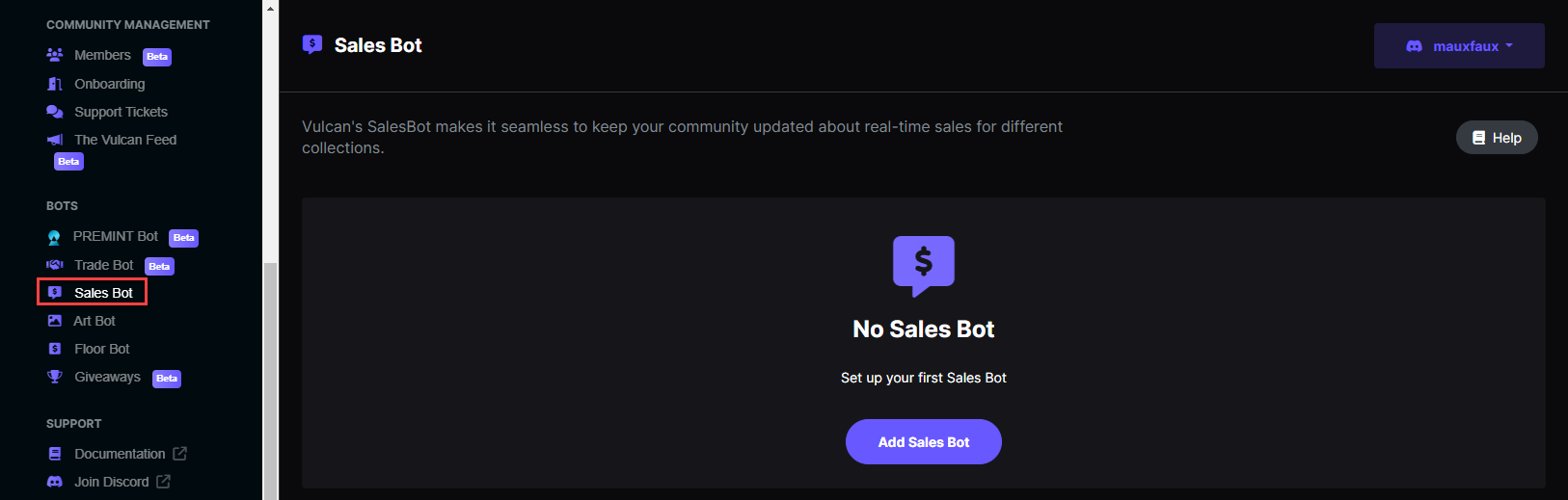
Navigate to the Sales Bot menu
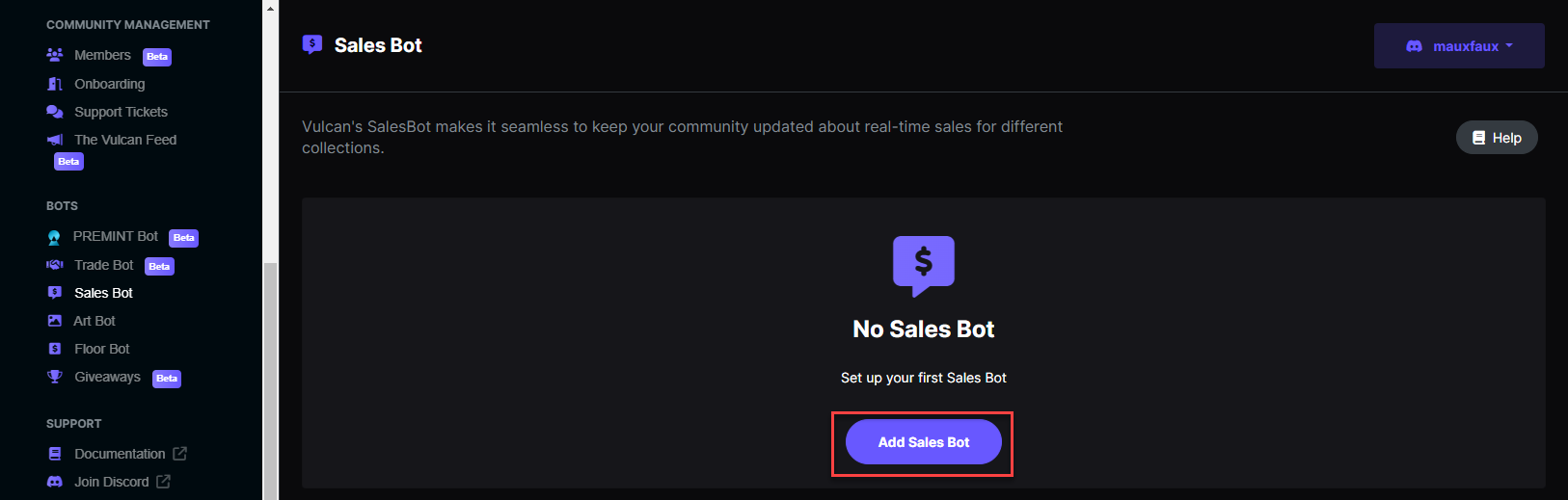
Click the Add Sales Bot button to begin tracking sales for your first collection. \ Please note that this screen is only visible if there are no Sales Bots configured. After the initial Sales Bot has been created, use the**** *Add New ****option instead.***
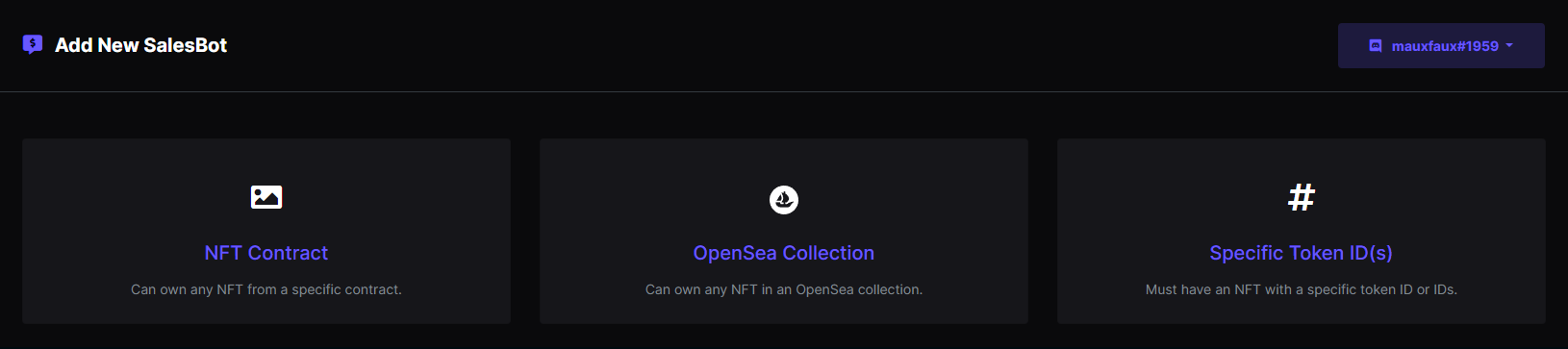
Select one of the following options to begin tracking sales
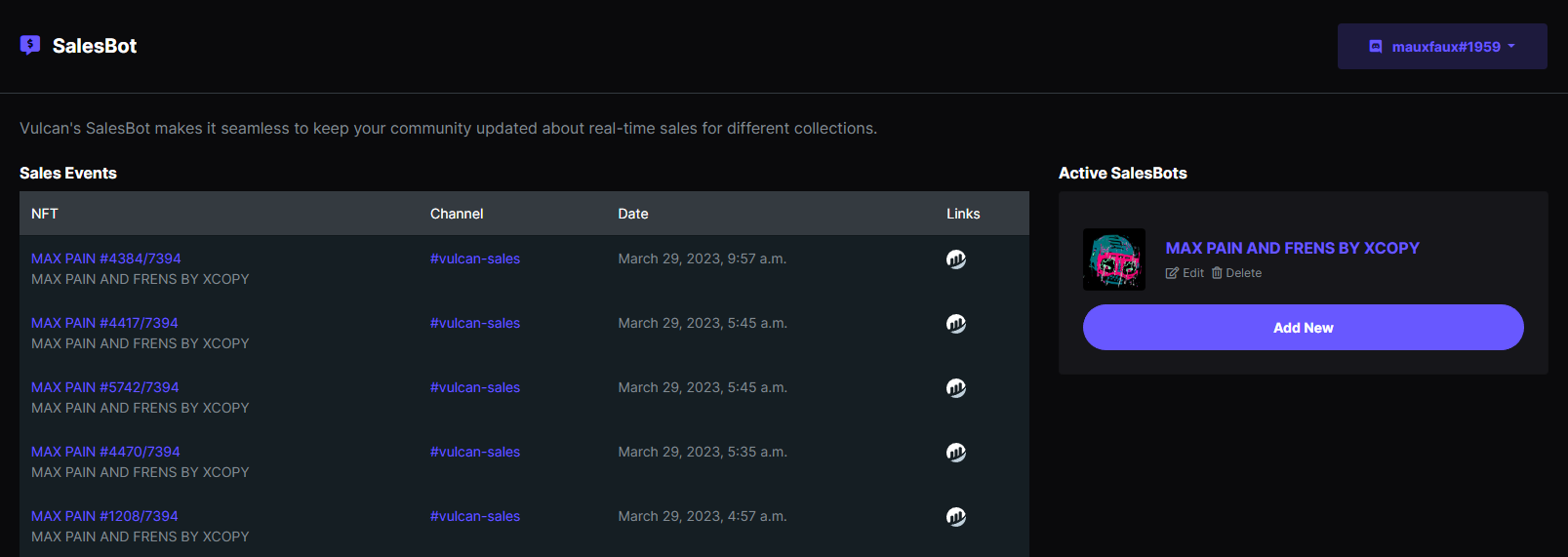
Once a Sales Bot has been created, Vulcan will log the collection sales events directly on the dashboard. These events will be logged for each added collection.